
This is the sequel to my post Gedmatch Basics, Part 1. In order to understand the things that we’re going to talk about, you’ll need to understand the things mentioned in that post, so if you haven’t read it yet I suggest you do so.
Since I first wrote this post, a lot has changed at Gedmatch, so I have updated this post to reflect the changes. One of the big changes is that there are two tiers, a free tier, and a paid tier. The paid tier is called Tier 1. There are some differences in the tools available for each of the tiers, and the tool mentioned in this post, the multi-kit analysis, is specifically affected. Someone asked me why they can’t select anything in the select column on the ‘One-to-many’ matches page, and that is because that is a Tier 1 tool.
The multi-kit analysis is not only very useful, but being able to use the select button adds to the ease of use. If you are using Gedmatch a lot, paying for Tier 1 is definitely something to consider. If you pay for it for a year, it’s 10$ per month. If you pay for it by month, it’s 15$ per month.
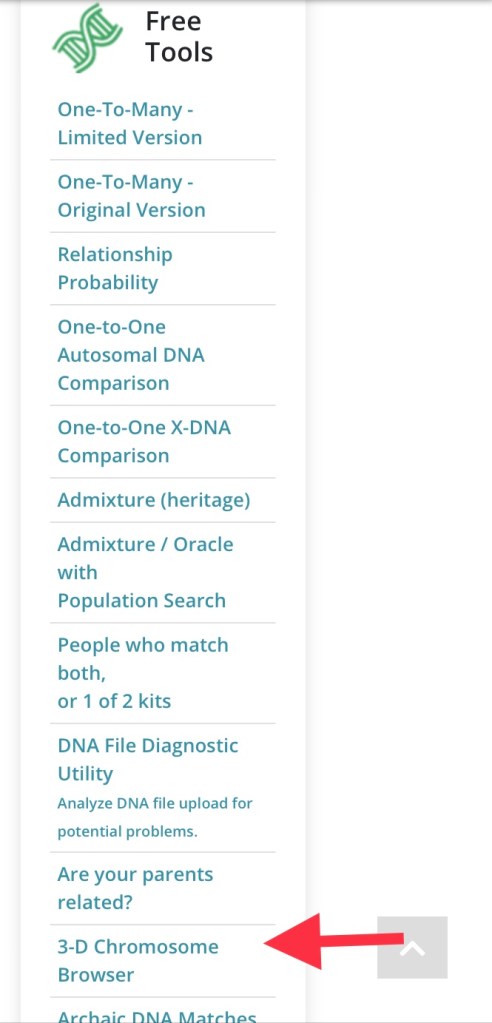
If you’re on the free tier, you can still look at multiple kits using the 3D chromosome browser in the free tools.
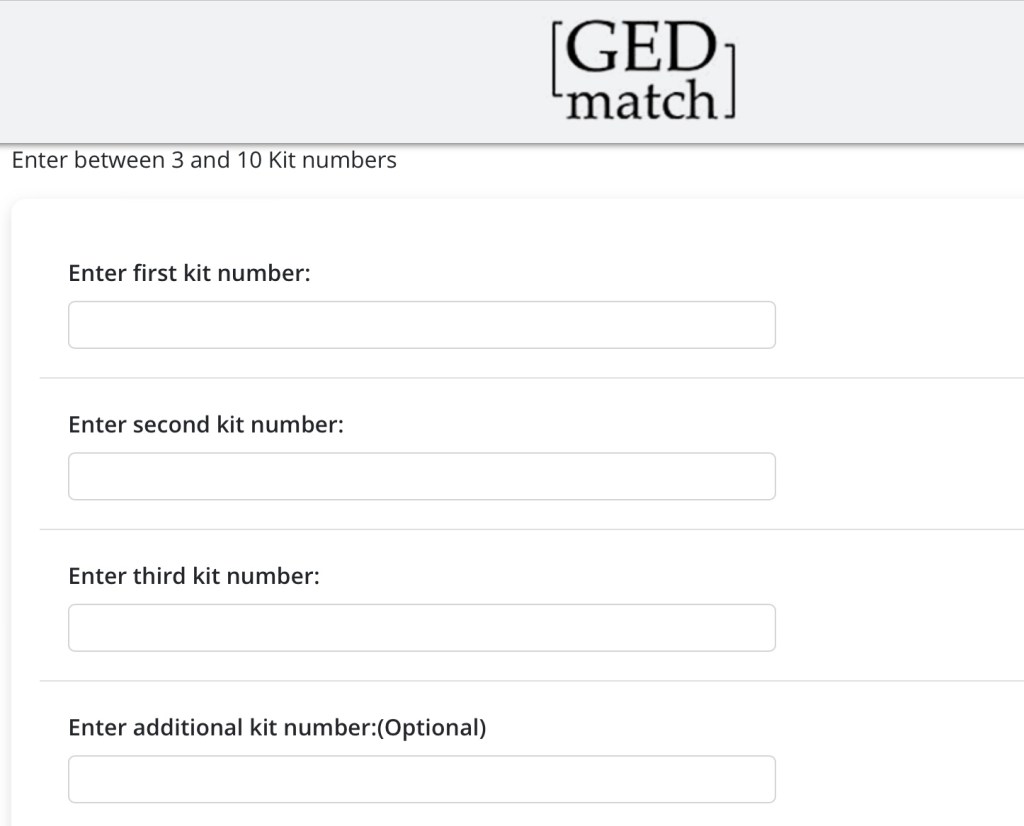
You can enter between 3 and 10 kit numbers:
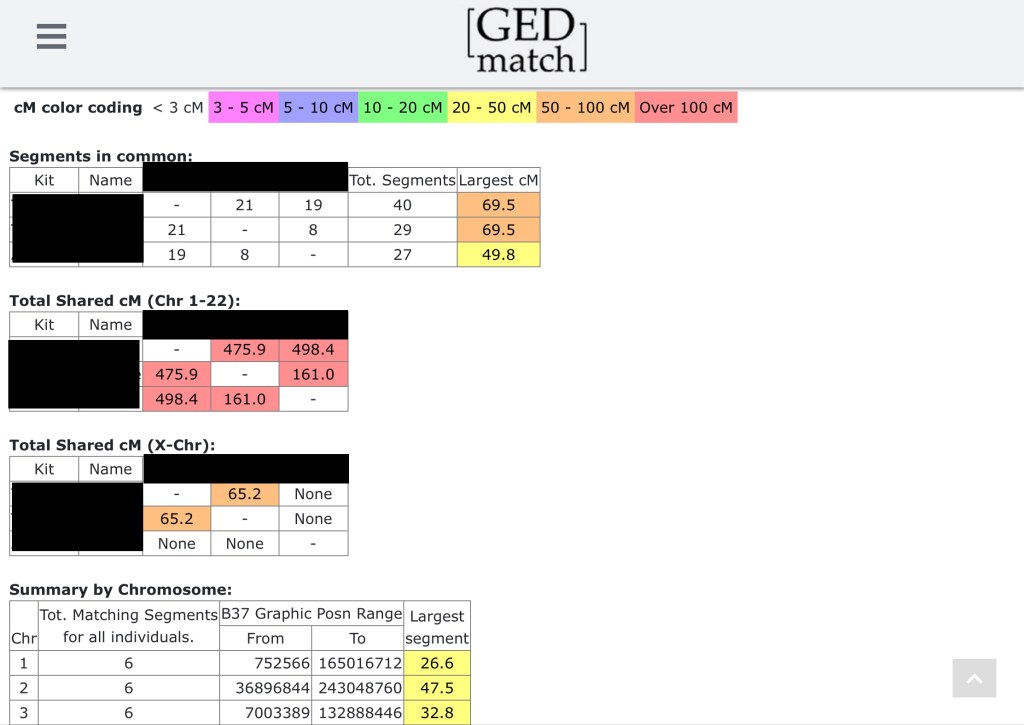
You start with a nice summary of the segments in common, followed by the total shared cM (on chromosomes 1-22), total shared cM (X chromosome), a summary of all the shared segments on all the chromosomes and the segment details. The total shared cM matrix (Chr 1-22) is especially useful to see how much DNA each kit is sharing with each other, so hopefully you can figure out how they’re all connected to each other. It’s a fun logic puzzle!
On the Segment Details, the first two columns are the names and kit numbers of two people who share a segment of DNA, followed the chromosome number, where specifically on that chromosome the segment is located and the size of the segment. As you can see here, on chromosome 5, we have overlap between the three people:

Person A shares a segment with Person B from 5 605 051 to 45 781 872
Person A shares a segment with Person C from 19 484 182 to 32 058 850
Person B shares a segment with Person C from 38 139 to 32 058 850
This, of course, is much easier to understand when visualized. You can see what this looks like when you click the blue HERE button to display the Chromosome Browser.
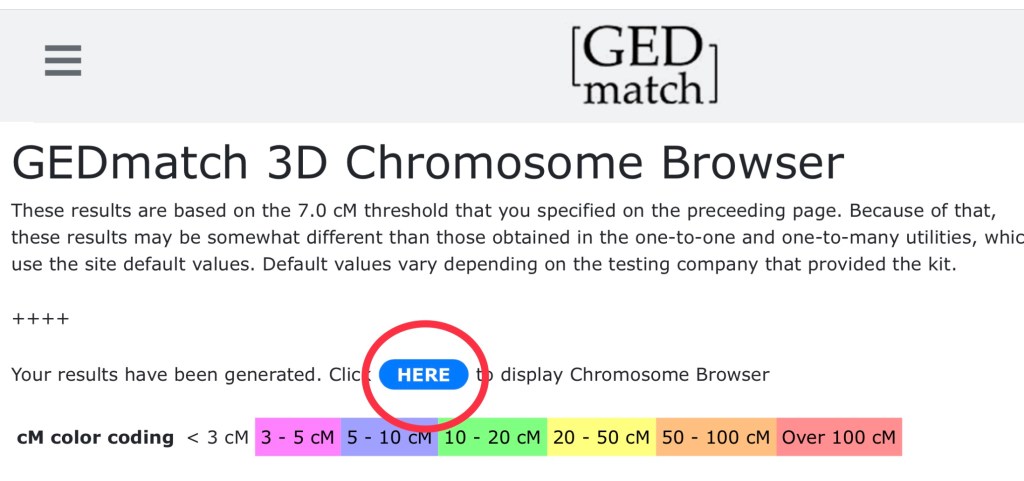
A chromosome browser is a way to visualize where you and your match(es) share DNA. You can adjust the x and y axis rotation using the sliders, and change which chromosome you are viewing using the dropdown menu in the top left corner. It’s not pretty, but it’s functional.
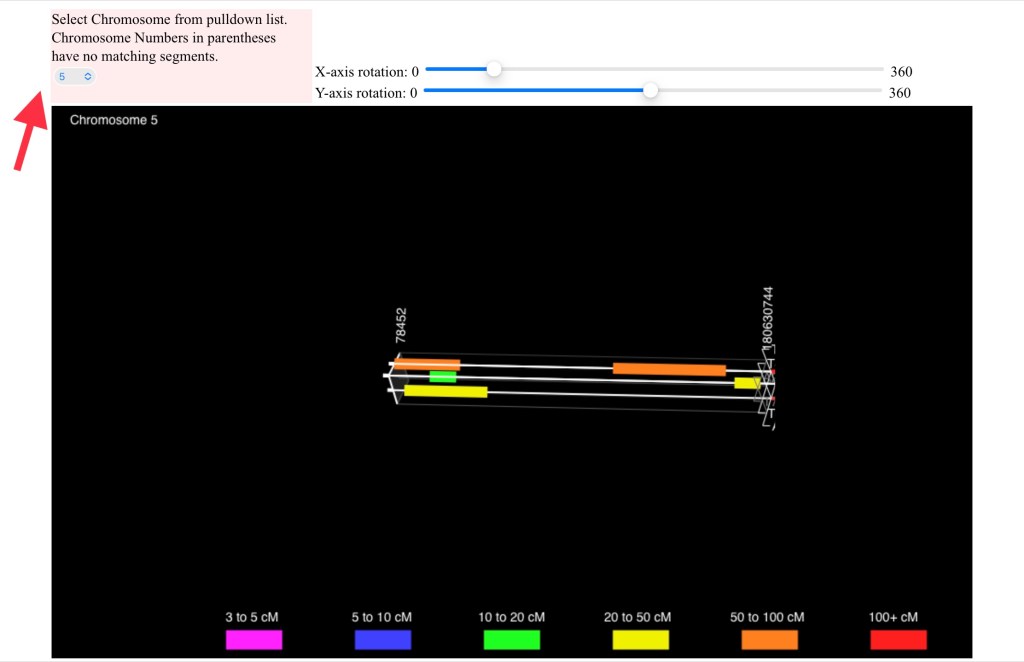
Even if you haven’t purchased Tier 1, it may be worthwhile to keep reading to see what you’re missing out on. We’re going to start on the ‘One-to-many’ (full version) matches page.
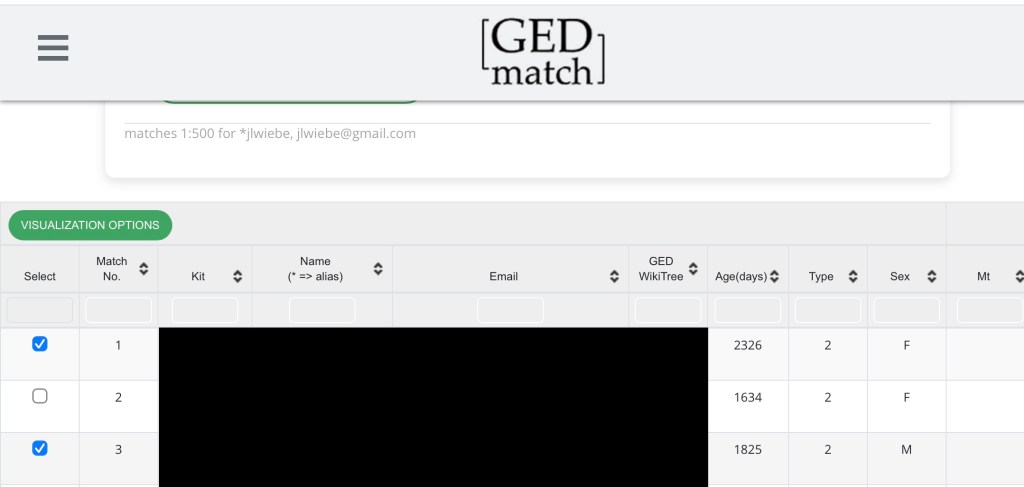
I’m going to select two matches and click the “Visualization Options” button. I’m then taken to this page which has a bunch of tabs, and a few options for each tab. Note that if you click the “Matrices” tab, you can select the matrix for the kits you selected just like in the free tool, both for autosomal (chromosomes 1-22) and for the X chromosome. There are a lot of other advanced tools in this tab and in the others. We’ve already explored the 3D chromosome browser, so now we’re going to explore the 2D one.
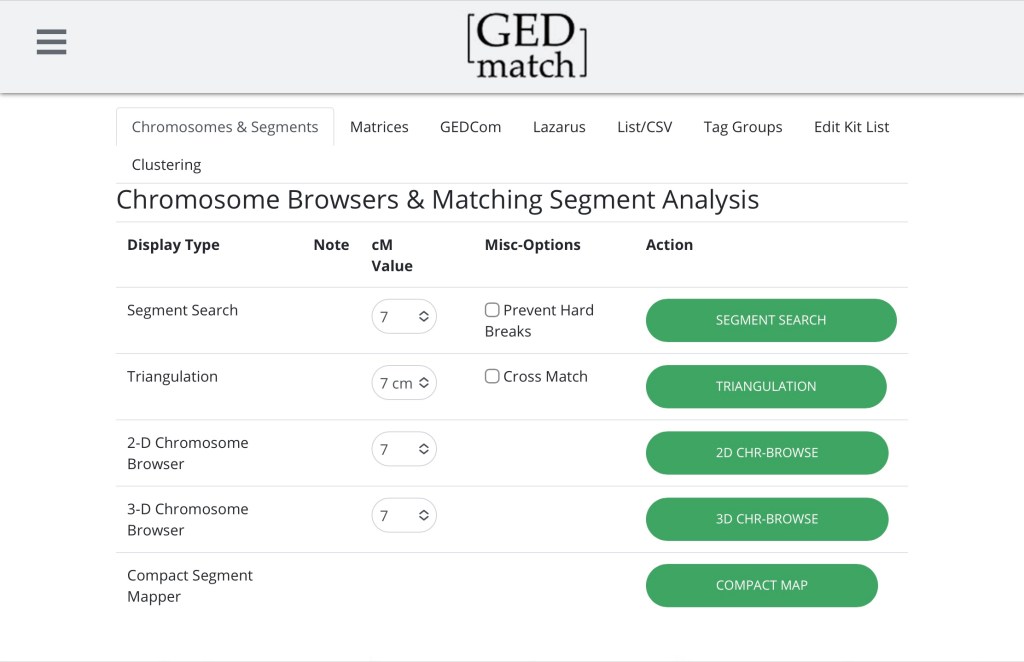
If you click the 2D browser button it will open up a new window. I’m just going to show a snippet of Chromosome 5 from that page so you can see how it compares to the 3D browser.
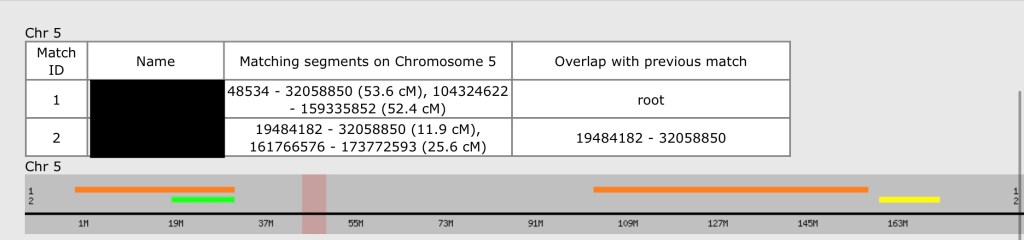
Let’s look at the table. The first two columns identify who is who in the picture. The third is telling you the addresses of the spots where you match (followed in parentheses by how long the segment is). The final column tells you about overlap. “root” means there’s no overlap, in this case, there is no kit before the first kit to overlap with. Since the second kit overlaps with the first one, it tells you the address where it overlaps. You can visually see that overlap in the picture, where the orange and green lines are stacked on top of each other. I talk about that pink vertical line in this post.
Let’s talk about why this overlap is significant. If you recall my DNA in a nutshell post, people who share DNA in the same spot on the same chromosome are related, if they come from the same side of your family. Remember, every single one of your chromosomes comes in pairs, but because the chromosome browser is unable to distinguish these pairs, all the information is shown to you on one chromosome. People who match you on your paternal chromosome 1 will show up right next to people who match you on your maternal chromosome 1. It looks as though they are related, but because of the chromosome pairs are mashed up together, one of them could be a paternal match, and one can be a maternal match, which means they aren’t related. Are person one and person two related to each other? If I go back and run and ‘one-to-one’ compare with their kit numbers, I can find out.
Why do I care if person one is related to person two? Well, if I know person one, but I don’t know person two, knowing if they are related to each other can tell me how I am related to person two. If person one is a maternal cousin, and person two is related to person one, I know person two is also on my maternal side. Conversely, if I know person one is on my maternal side, but person two is not related to person one, then it’s likely, depending on how distant these matches are, that person two is on my paternal side. Finally, if I don’t know either person, but their relationship to each other is known, I can use information from both of their family trees to try to figure out where I fit in. If this all made sense to you, you’re ready for the intermediate topic of Triangulation. (If it didn’t make sense, please leave me a comment -the more specific the better).


 Jennealogie
Leave a reply to Slansdowne Cancel reply