
I watched Thomas McEntee’s webinar “Genealogy Pit Stop: Research in 15 Minute Increments” and (spoiler alert) the secret to doing genealogy in 15 minute increments is to be extremely organized. Since then, I have been trying to figure out the best way to get organized. I decided to read “Organize Your Genealogy” by Drew Smith to see if I could glean any tips. Drew writes that the book can be used by both beginner and advanced genealogists, and I agree with him. For beginners, it offers a great way to start off on the right foot, and for advanced genealogists, he gives advice about a lot of apps that the seasoned genealogist may not be aware of. If you’re just starting off or thinking of taking your genealogy from paper to digital, you definitely need to read this book.
One of the things I liked about this book is that it gave tips on small organizational details as well as big picture things. I was not expecting it to be so comprehensive. Drew takes you from office organization to planning genealogy trips. I was dog-earing pages left and right! He recommended not just that your desk space be organized, but even right down to the holder you use for your pens, and I realized that it *was* annoying not to be able to reach for just the right writing tool, so I tidied my pen cup:
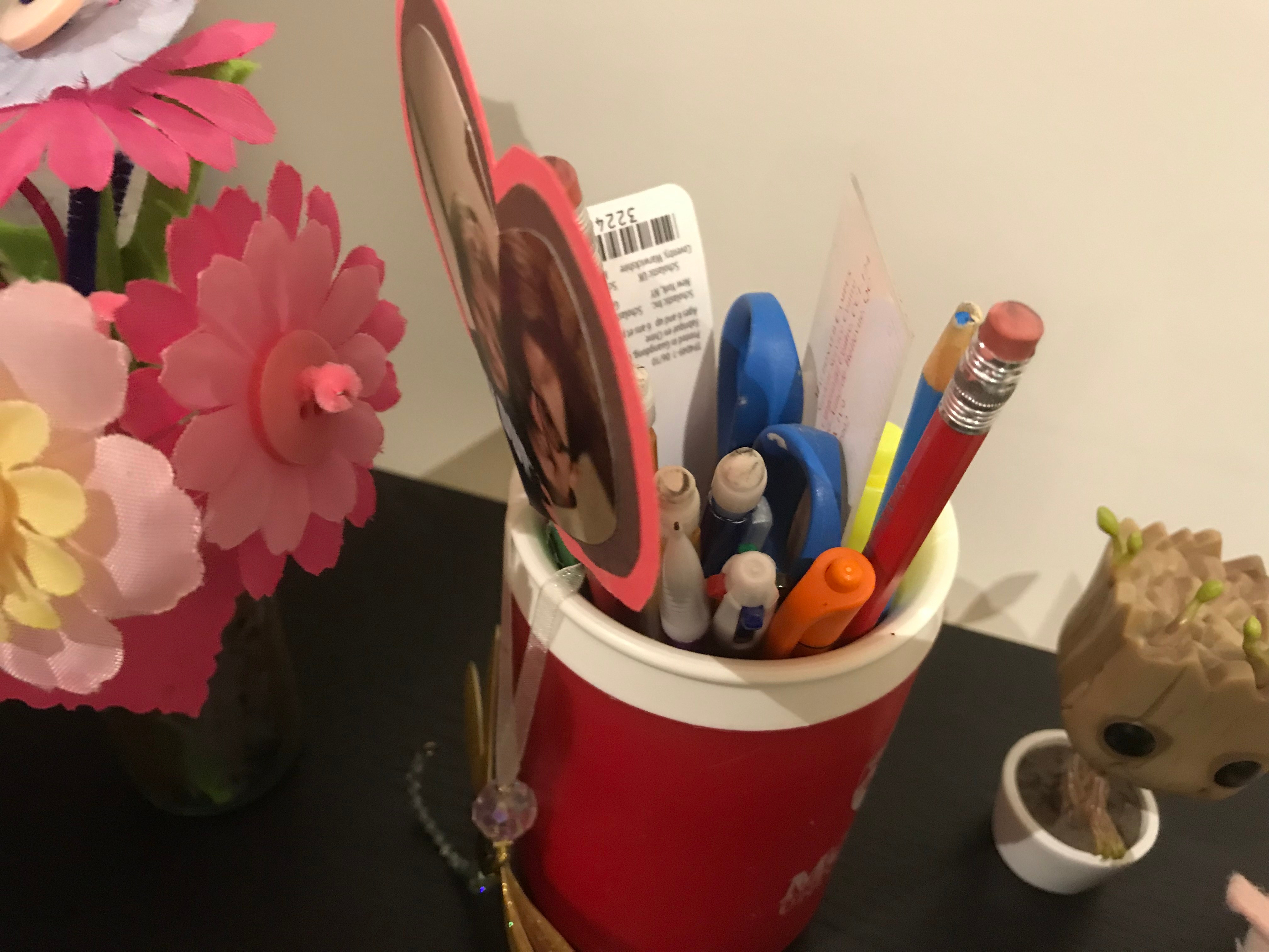
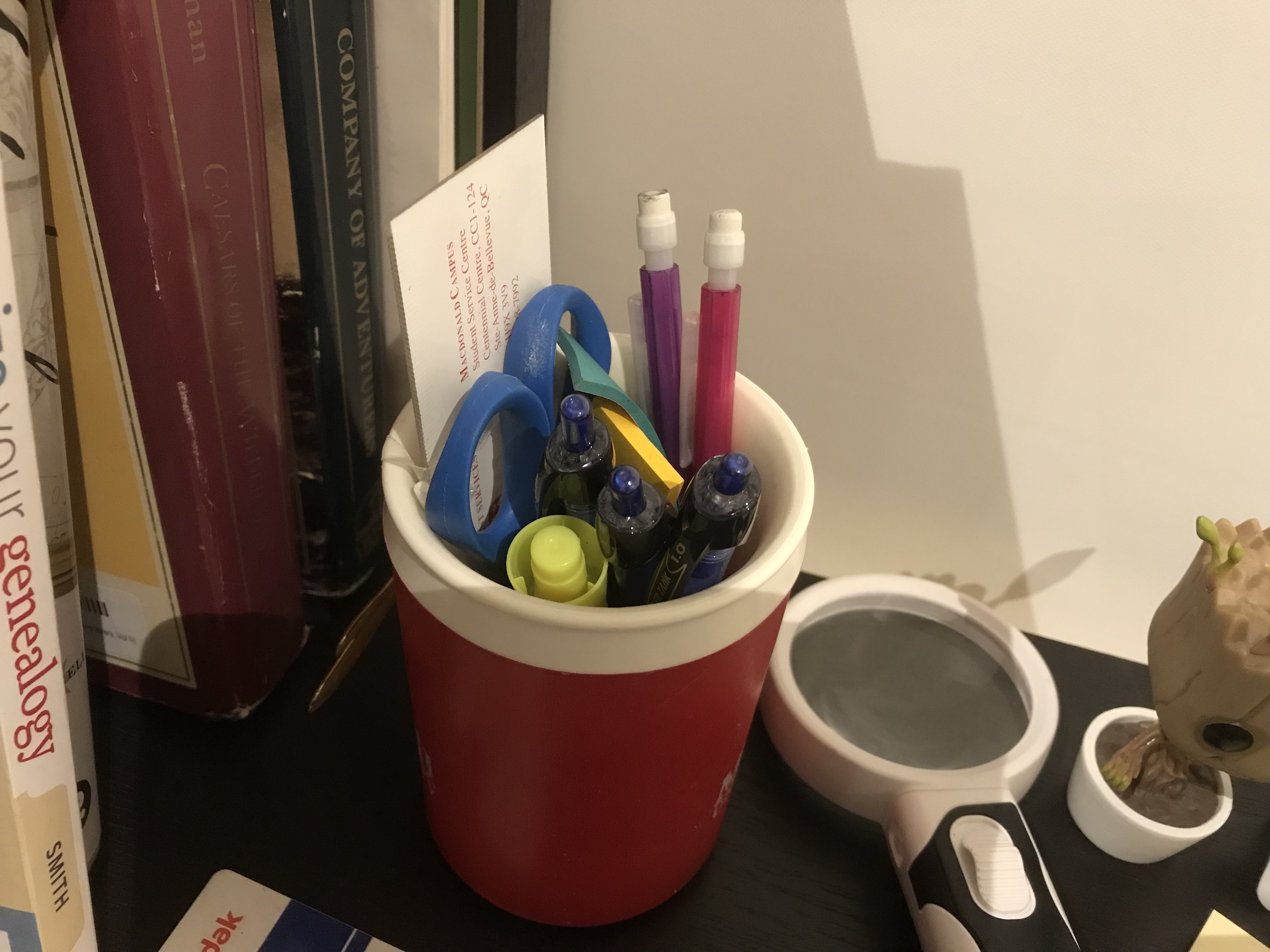
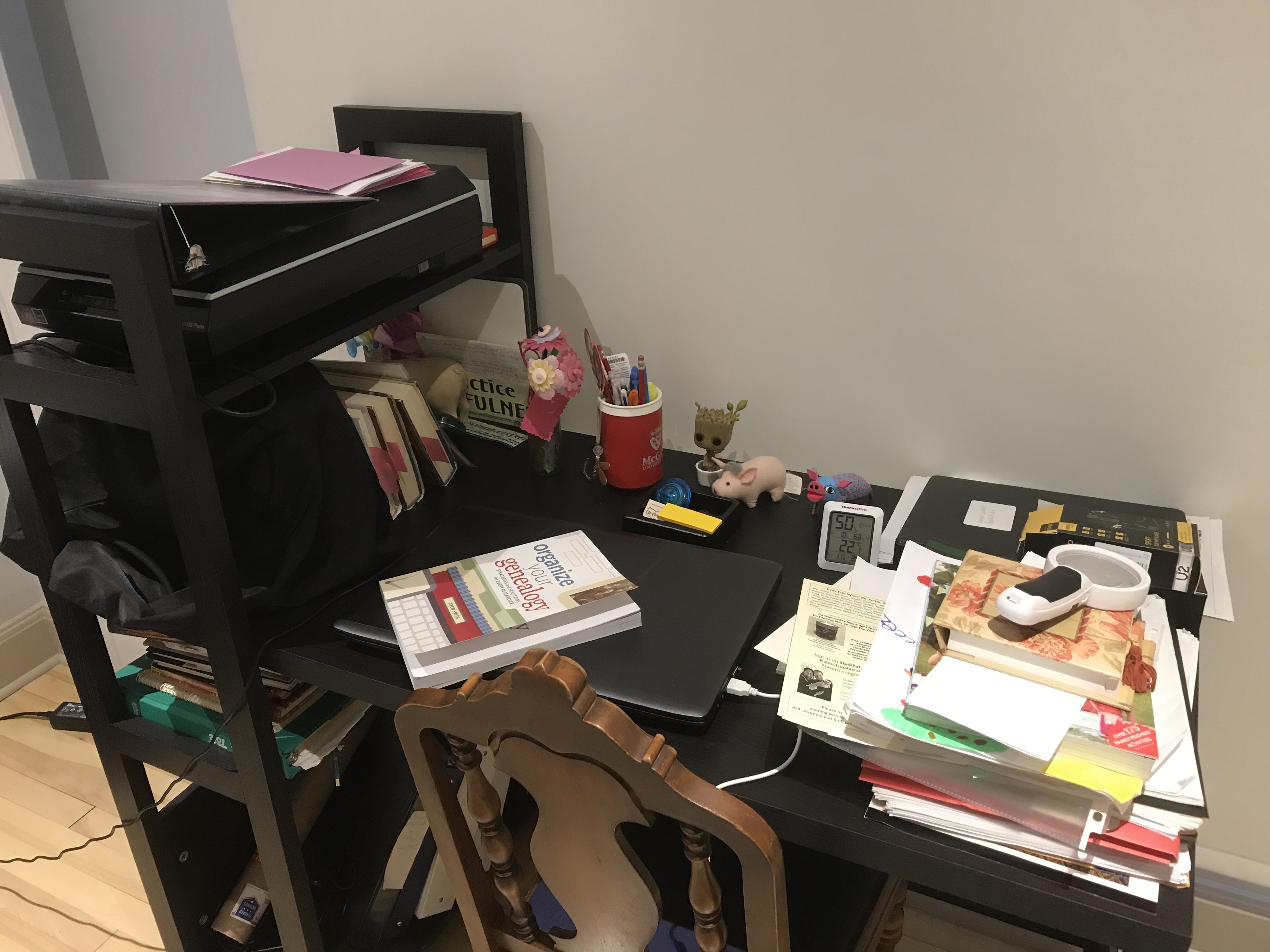
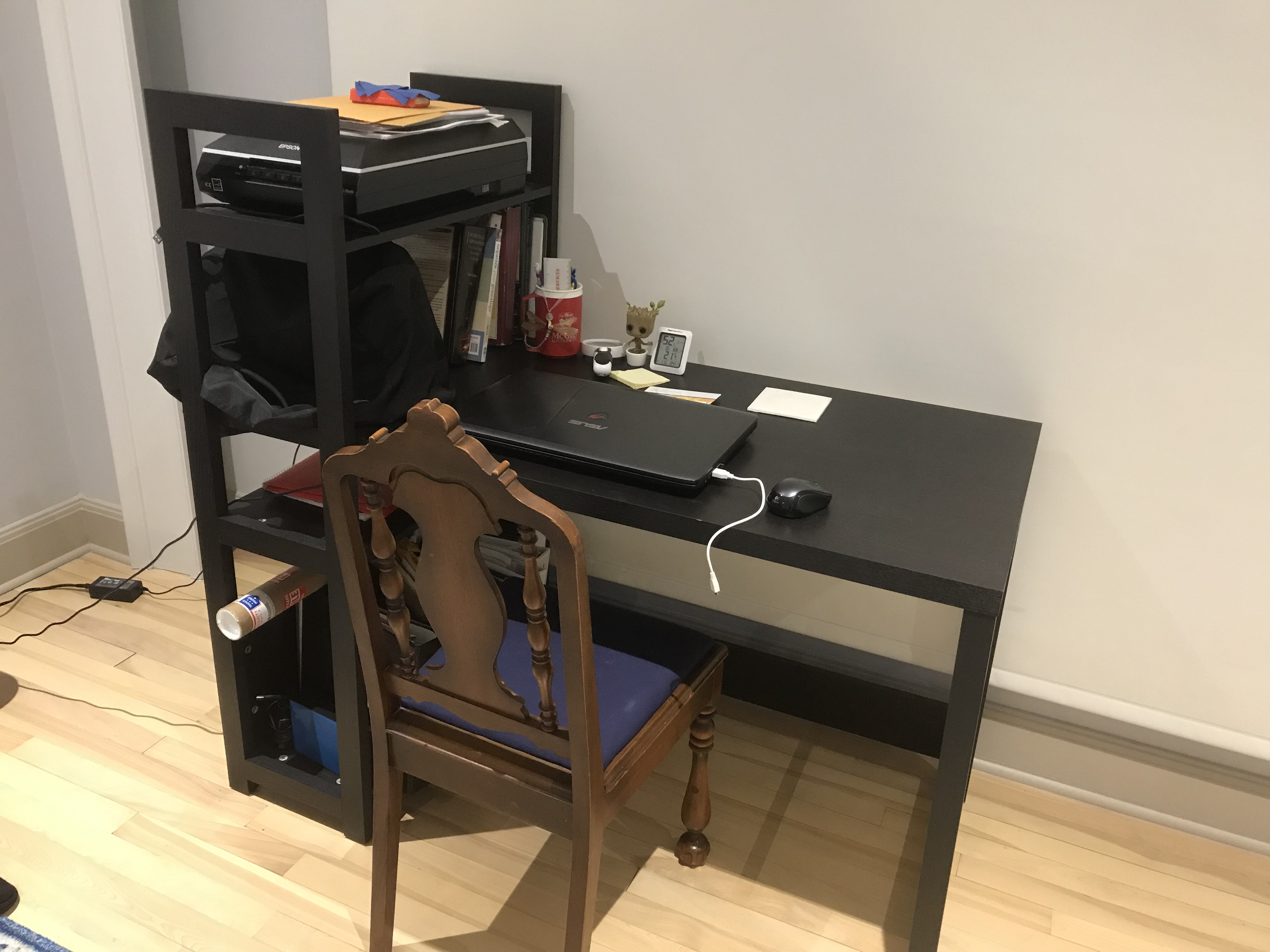
I’m not lucky enough like Drew to have a whole office for my workspace, just a desk in my bedroom, but I knew if it was going to be a more functional genealogy space, it needed some work. I still need to get something to hold all the papers that need to be scanned and filed, but this is definitely an improvement!
Drew recommended some apps that even non-genealogists will find useful, so I downloaded those as well. Can’t wait until my next trip so I can test out Tripit (free) and Packing Pro (3.99$)! Drew’s blog was the first one I added to my Feedly app, which is used for putting all the blogs you follow in one place. Finally, I can keep up with all the genealogy blogs out there!

Drew also recommended OneNote or Evernote, and since I’m already using the Microsoft Suite and have a OneDrive account, I figured I’d go with OneNote (check out Cyndi’s List OneNote for Genealogy page, which has links to all sorts of tutorials). OneNote (and Evernote) are basically digital binders. Like binders, you can have sections, and within the sections have pages. I made a TO DO notebook, an INBOX notebook, a notebook for citation templates and a notebook for each family tree I have on Ancestry. This is the way I already think about these families, so it makes sense to consider organizing them that way. Here’s a screenshot from my iPad. Within a particular binder (GARNER-BARTON), I made a section for each ancestor (I even color-coded them by sex). Then, I made pages for each ancestor for research questions, birth, marriage, death, census, and other.
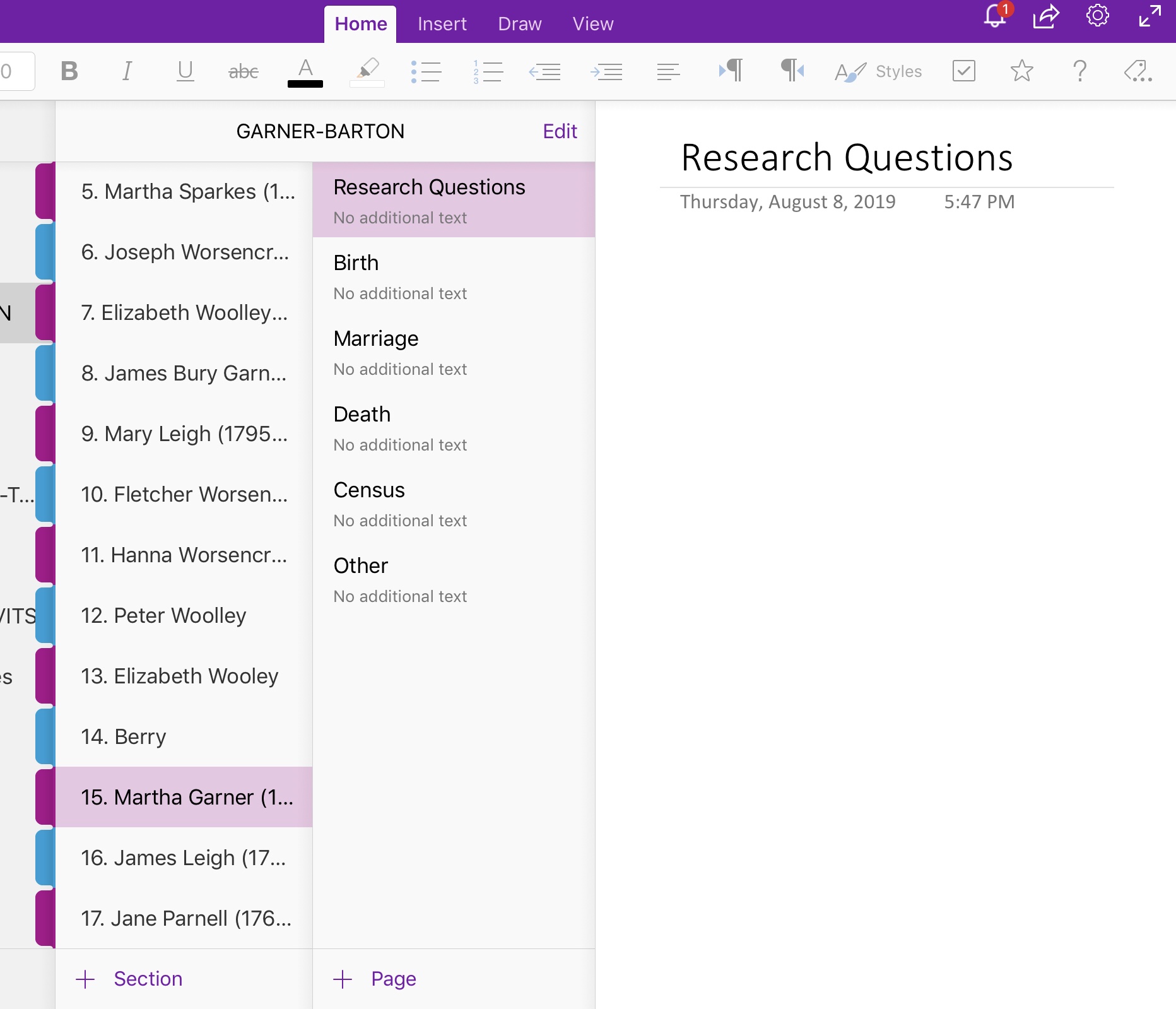
My goal is to fill each of these pages up with links to the documents on my Google Drive and citations as well as notes on each document so I can easily access everything I have for each family member. This is quite an undertaking, to say the least, but, if I keep on top of it, it will save me lots of time in the long run. As Drew’s book points out, being disorganized can cost us time and money. Who here has paid for the same record more than once (*raises hand*)? This is how you do genealogy in 15 minutes – you go to your OneNote, pick a person, look at the research questions, and pick something to work on. You mark down what you were looking for, where you looked, what you found (or didn’t find) and then it’s much easier to put down the search knowing where you left off so you can pick it up again later. If you happen to stumble across what Thomas McEntee calls Bright Shiny Objects (you know, that thing you alway get distracted by that has nothing to do with the thing you are researching) you can make a note of the BSO (and even put a link or a picture) in the appropriate person’s section to research at another time.
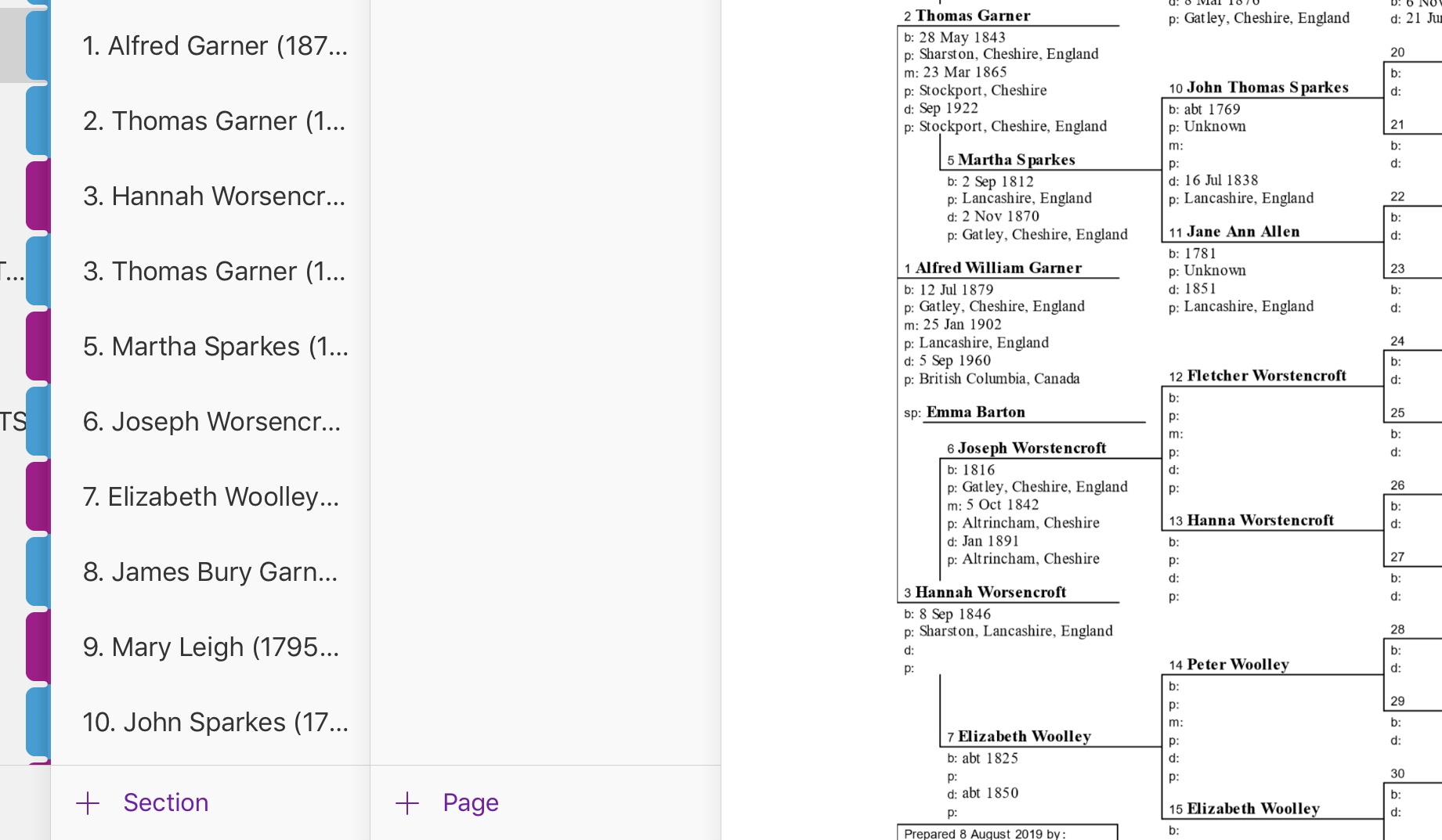
Drew also mentioned using a family tree program (until this point everything I had was online at Ancestry). Since I wanted something that worked both with my iPad and with my laptop, I’m trying out RootsMagic. So far, so good. In fact, I wanted to include a pedigree chart with each of my notebooks on OneNote. Enter the beauty of combining these two programs: I made a pedigree chart in RootsMagic and imported it into OneNote. It was so easy, and now instead of manually creating a pedigree chart in OneNote, I have a beautiful chart I can easily update whenever I want. I made it so that the numbers in the chart correspond to the section numbers!
It might be hyperbole to say that Drew’s book is life-changing, but given that I’m currently in the process of overhauling the way that I do genealogy after reading it, it’s not too far off. This is definitely a book that every genealogist needs on their shelf. Do you have questions about getting organized, or advice for genealogists wanting to get more organized? Let me know in the comments!


 Jennealogie
Leave a reply to Susan Tseko Cancel reply