
After my sad triangulation story I felt a little adrift. What direction should I go in next?
I’m counting this post as a basic post because you don’t really need to understand triangulation to make use of the strategy in this post. However, it does help to know that there is a hierarchy of trustworthiness, and triangulation is at the top of this hierarchy. You have to be careful about the conclusions you draw from less reliable methods. Roberta Estes talks about this in this blog post, and I had a eureka moment whereby I realized that while she was outlining the reliability of various strategies, she was also, in effect, outlining the various strategies.
After triangulation comes “in common with” groups. On Ancestry, they are shared matches, on FTDNA, it’s “in common with” and on Gedmatch, it’s “people who match one or both of two kits.” The idea behind “in common with” is that if you and a match have another match in common, presumably this match matches you in the same way. This can be true, but tread carefully. Let’s say my mother has a sister. The sister’s child is my cousin. My cousin and I have both have the same match. It’s possible that this match is related to me on my father’s side and related to my cousin on their father’s side. If I were to assume that this match is related to me and my cousin through our mothers, this would mean I am looking for a connection where none exist. Again, tread carefully.
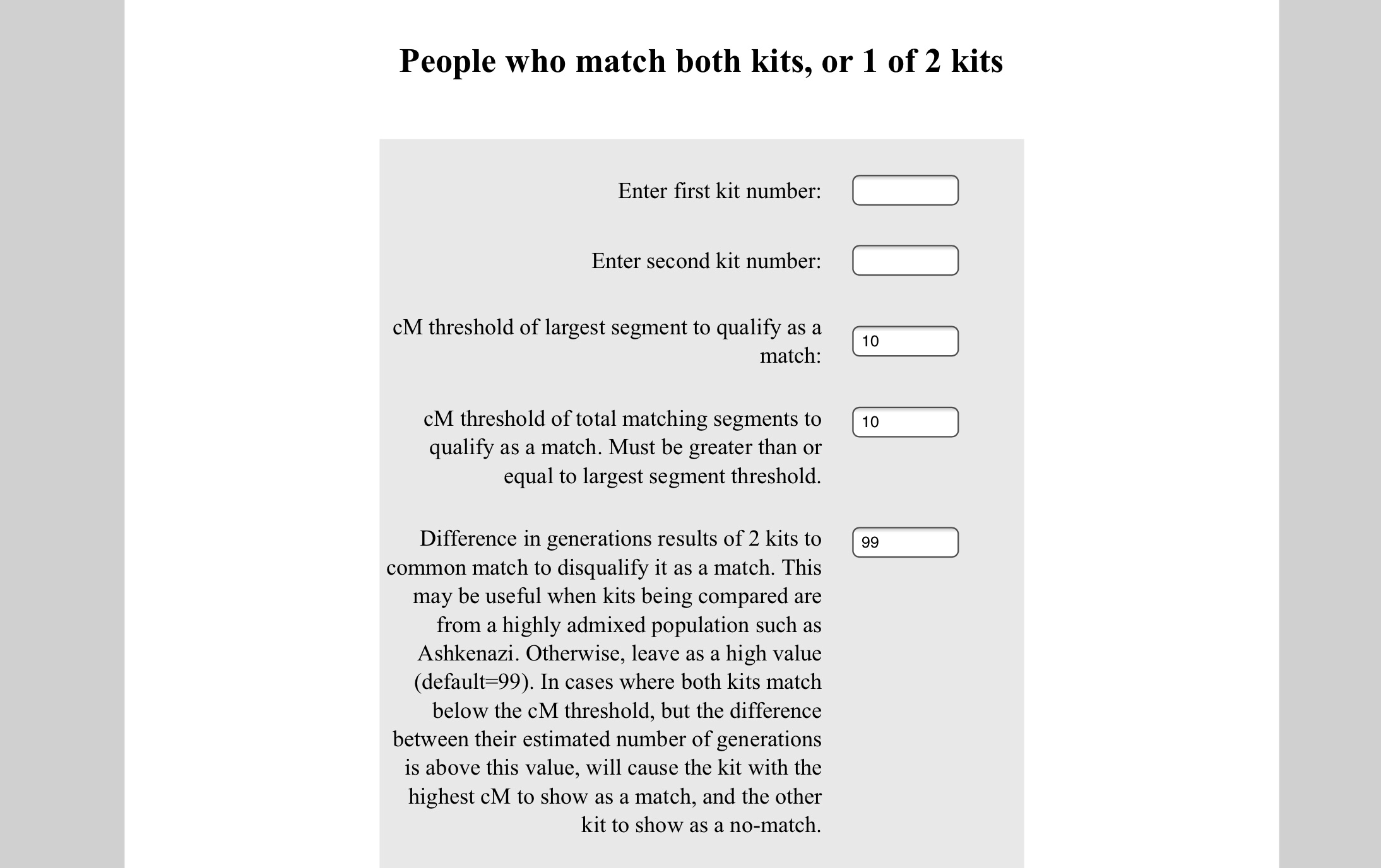
Let’s have a look at the Gedmatch tool. It can be found on the main page under Analyze Your Data.

You have two spots to put kit numbers. This can be your kit number and another known person’s kit number, or your kit number and an unknown match’s kit number, or a known match’s kit number and an unknown kit number, or any combination of kit numbers you like. Probably best to stick with yours and a known match for now, though. Also probably a good idea not to touch the default settings.
Once you hit Display Results, you’re going to get three separate boxes that look like this. The first box is kits are matches to both Kit 1 and Kit 2, the second is kits that match only Kit 1 but not Kit 2, and the third is kits that match only Kit 2 but not Kit 1.

Let’s go over the columns:
Match: kit number of the match
Shared: total cMs
Largest: cM of the largest shared segment
Gen: number of generations to MRCA (most recent common ancestor)
Generations difference: Gen of kit with higher Gen number subtracted by the Gen of kit with lower Gen number
Email: pretty self-explanatory
Select: check the boxes of the ones you want to explore further in the chromosome browser
Another way you could do this is to run the utility a few times, once with yourself and a known cousin, and the second time with yourself and another known cousin on the same line, and again between the two known cousins. See if there are any matches that overlap between these three groups.
Once you’ve found some matches, then it’s time to email them. Hopefully they’ve got a nice family tree online for you to look at!


 Jennealogie
Leave a reply to What is a genetic network? – Jennealogie Cancel reply