
I’m having a lot of fun exploring with Rootsfinder, but I’m waiting for when I’ve got more time and it’s got more updates (I’d really like a search function in the cluster graph) to really get into it. Since the experimental DNA tool is rather new, I’d like to explain a little bit about one of its functions, chromosome painting. I’m going to assume an intermediate bit of knowledge here, that you have a Gedmatch account and that you know how to use Gedmatch.
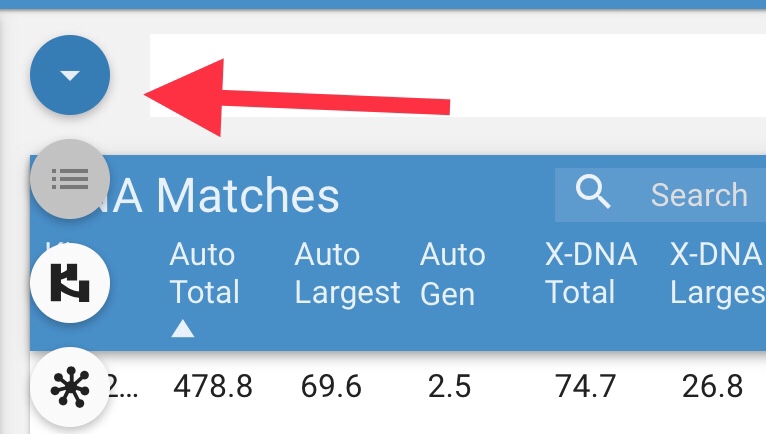
First, uploading data from Gedmatch. The way the system is set up is that you enter a kit number, and the name of the person in your family tree that the kit number belongs to. Then the program explains to you how to copy and paste your data from Gedmatch to Rootsfinder. If you purchased the Tier 1 Gedmatch tools, then you will be able to add the data from that as well by pulling down the menu in the top left corner (hint, run the matching segment search FIRST, you won’t be able to add the triangulation data until you do).
You’ll be able to paint your matches once all your data once all your data is imported, regardless of whether you added in the Tier 1 Gedmatch data.
Click on the name of your match, then click on the edit button:

This will open up an edit screen. Click on match, and then you’ll have the opportunity to select how they are related to you. If the person is in your tree, select that and start typing their name. If the person is not in your tree, and it would be really time consuming to add them to your tree (like a fourth cousin three times removed), then select descendent of a couple in your tree. Start typing the name of the ancestor. Once you select the name of the ancestor the program will fill in the name of the other person. If they are related to you on more than one line, you’ll have to pick one.

Once you’ve finished that, hit next and then save.
Your match should now look like this (maybe the colour will be different).

If you have the Tier 1 data, the colours assigned to that person will show up in your chromosome browser and in your cluster graph only if the match’s genetic distance to you is four generations or less. (Edit: this has been fixed!)
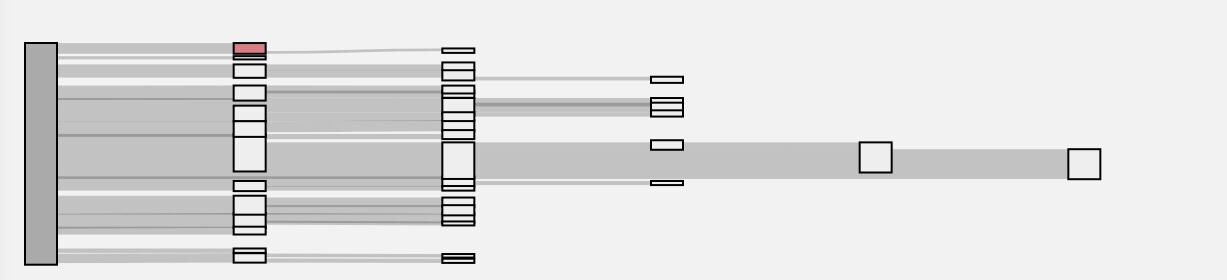
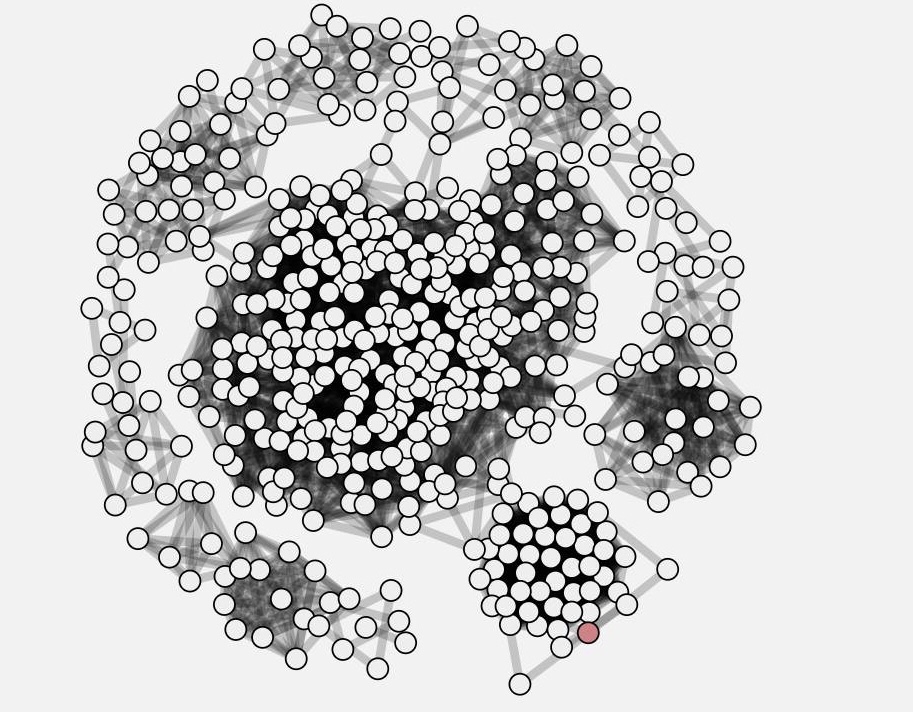
Hope this was helpful! You can see my other posts on my experience with Rootsfinder here and here.

 Jennealogie
Leave a comment